
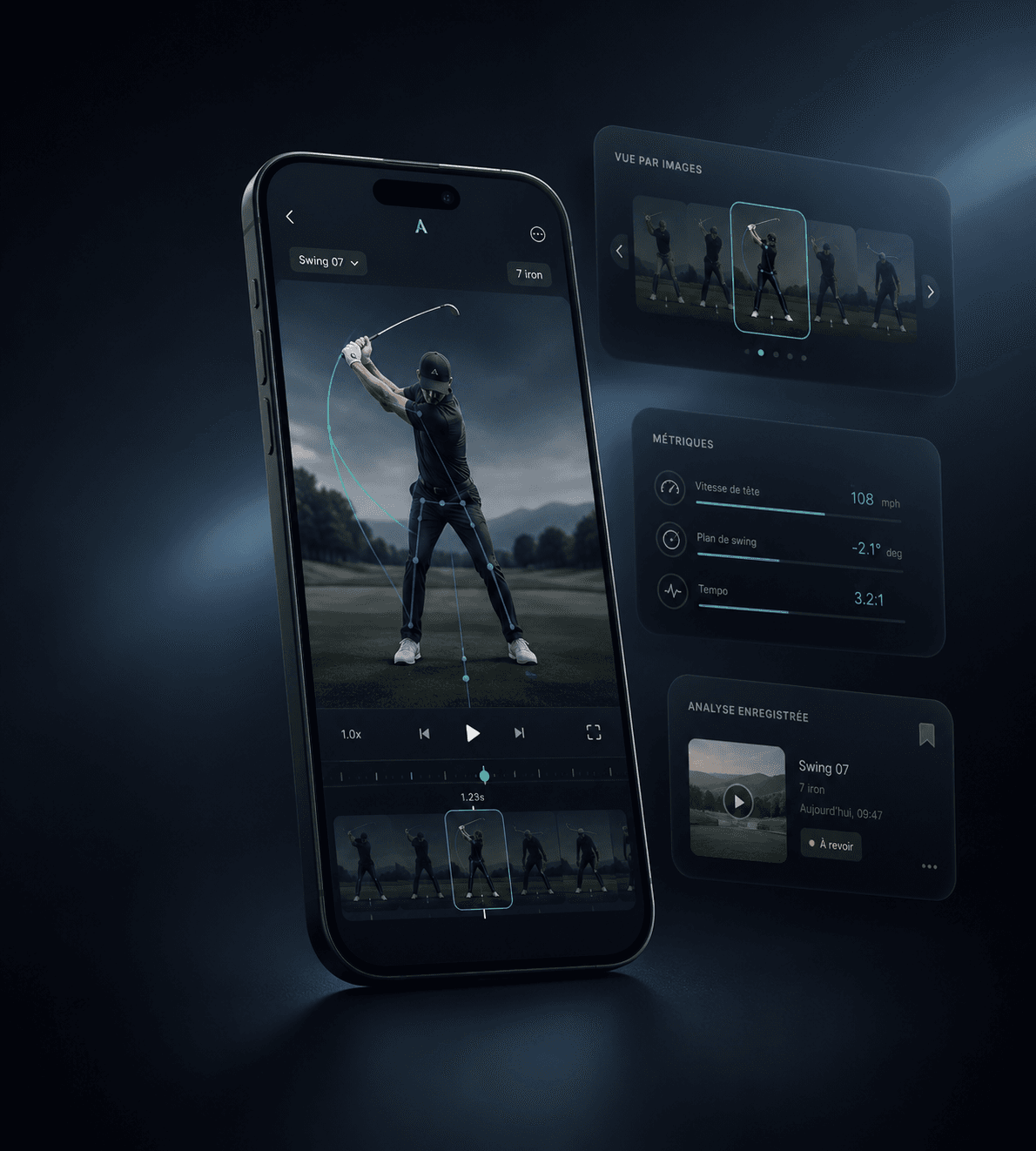
Video analysis
Review your swing frame by frame and keep every analysis in one place.
Preview — SwingFlow 1.9.0
Videos, reports, season planning, stats, and conversations now come together in one simpler experience.
Player space
Videos, reports, goals, and training come together in a personal space the coach can continue to follow.


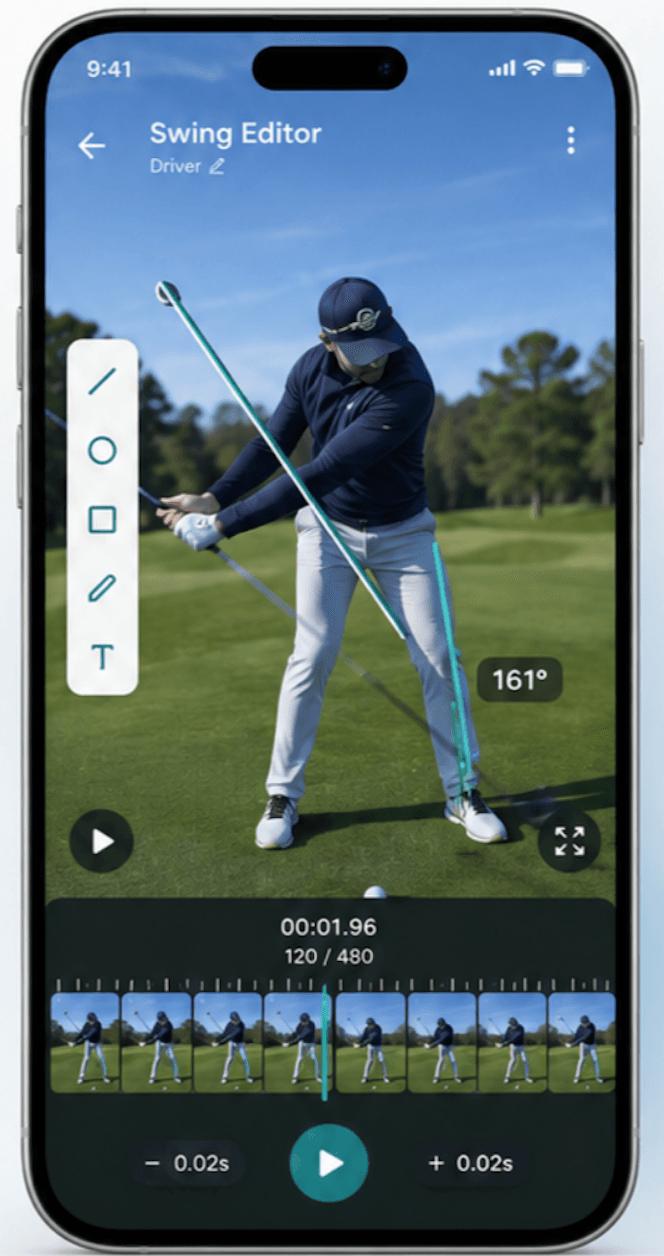
Swing Editor
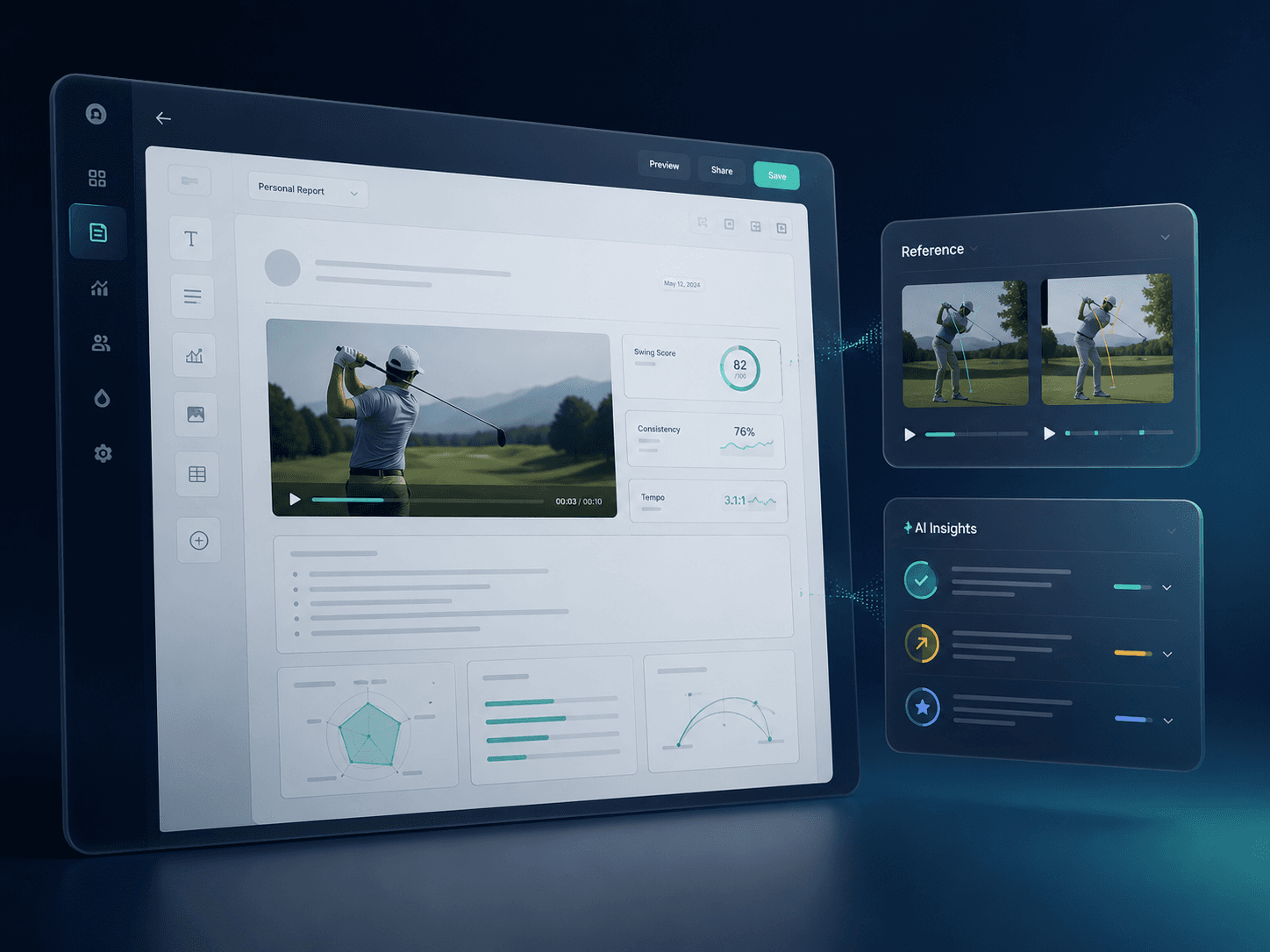
Voice-over, duo swing, frame-by-frame playback, interactive reports, and direct delivery to the student.
Record the commentary behind your analysis.

Compare two swings side by side.

Move frame by frame without losing the motion.

Interact, annotate, and comment on every report video.
Your analysis lands instantly in their space.

Analyze live, anywhere, in real field conditions.
Report
Media selected
Swing Editor
Analysis enriched
Student space
Shared instantly
1.9.0
Photos, videos, stats, voice notes, or files—everything they experience becomes material for progress. The student report editor gives them the tools to self-analyze, with AI to guide them.
Structure your ideas and add your reflections and goals.
AI helps you phrase, organize, and take your thinking further.
1.9.0
Numbers alone are not enough. Hole and shot comments add the context behind gaps, choices, and key moments.
Clearer reading of trends, dispersion, and key moments.
Hole-by-hole and shot-by-shot comments.
1.9.0
Past and future results no longer sit apart. They feed history, timeline, and calendar decisions.
Official results recovered inside the player space.
Data ready to compare, plan, and decide.
1.9.0
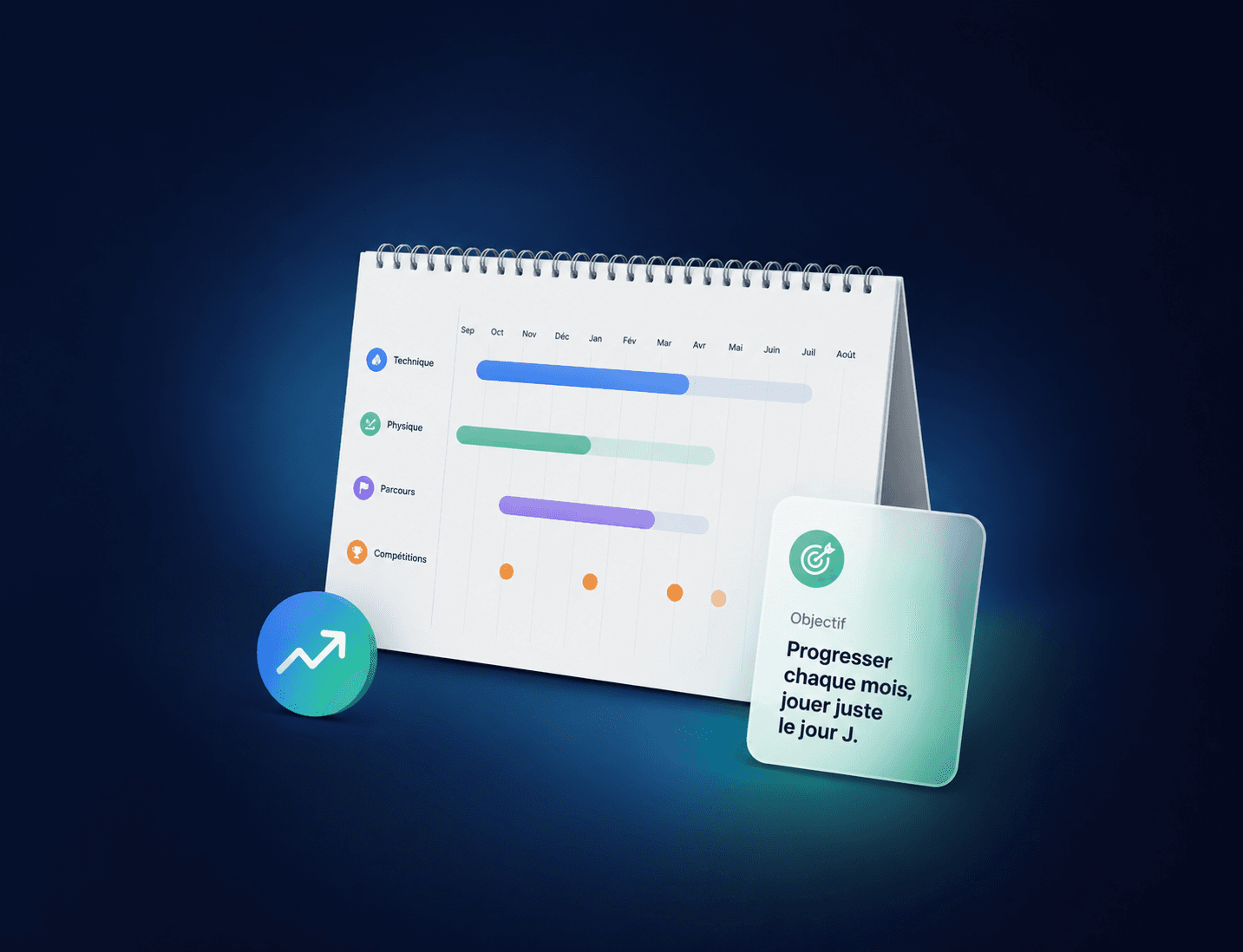
Goals, tournaments, alternatives, map, budget, points, and ranking move out of the spreadsheet. The player compares, chooses, then follows the season.
Tournament choices with alternatives and decision support.
Geographic view, budget, and points objectives.
1.9.0
Every report, session, result, comment, or decision finds its place. You no longer search for what happened: you read it back.
A clear thread to replay progress.
Key moments stay connected to the next actions.
1.9.0
Students generate useful sessions when they practice alone. Coaches can build programs that connect several sessions over time.
Drills adapted to goals and context.
Coach programs with links and logic between sessions.
1.9.0
Coaches organize their week, players and coaches track the month's tournaments, and the golf school keeps the full picture. Week, month, or global schedule: everyone uses the view that fits.
The coach's week, easy to organize.
The month's tournaments, shared by player and coach.
The full golf school calendar at a glance.
1.9.0
Messaging is not just chatting. It should broadcast information, create content, and feed the student record at the right moment.
A clear channel between coach, student, and work context.
Useful information remains actionable inside the record.
Invited access keeps follow-up shared with the coach. Player adds a personal space and tools. A Coach Code may also provide a benefit under the terms shown before subscription.
Invited access
An access mode tied to coach support, without becoming a separate offer.
Player
A personal space that can remain active alongside shared follow-up.
Coach Code
The exact discount and terms are shown in the Player offer before subscription.
Each eligible paid Player month using your code can generate a commission. Amounts, invoice offsets, and the payout threshold are detailed in the program terms.
For the eligible billing owner of a monthly Coach subscription.
How your coach code works
SwingFlow 1.9.0Coach Code
The exact discount is shown before subscription.
Commission
Under the program's published terms.
Payout
After offsetting, under the published threshold.
The Continuum preview shows how version 1.9 can give students more freedom while keeping the coach in the right place throughout their journey.